Desktop Computer Buying Guide for Graphic Design
Choosing the right desktop computer for graphic design is about more than buying the most expensive machine. Designers need a system that handles large files, runs creative software smoothly, and remains fast under heavy workloads. Whether you use Adobe Photoshop, Illustrator, InDesign, Blender, or other design tools, the best desktop for graphic design should balance processing power, graphics performance, memory, storage, and display support.
1. Prioritize a Powerful Processor (CPU)
The processor is the brain of your desktop and plays a huge role in design performance. Tasks like rendering, exporting files, applying filters, and multitasking all rely heavily on the CPU.
For graphic design, a modern 6-core to 8-core processor is a solid starting point. If you work with 3D rendering, motion graphics, or video editing alongside design work, consider higher core counts.
A faster processor reduces lag and saves time when handling large layered files or complex projects.
2. Get Enough RAM for Creative Work
RAM is critical for smooth performance in design applications.
Recommended memory:
- 16GB RAM – Good minimum for beginners
- 32GB RAM – Ideal for professional designers
- 64GB+ RAM – Useful for advanced 3D, animation, and large production files
Design software can consume memory quickly, especially when using multiple applications at once. Running Photoshop, Illustrator, and browser tabs together can easily push lower-memory systems to their limit.
If your budget allows, prioritize extra RAM.
3. Graphics Card Matters More for Designers
Unlike basic office work, graphic design often benefits from a strong GPU.
A dedicated graphics card helps with:
- 3D modeling
- GPU-accelerated effects
- Motion graphics
- High-resolution rendering
- Multi-monitor workflows
For 2D design, a mid-range graphics card is often enough. For 3D design, animation, or intensive creative workloads, a more powerful GPU may be worth the investment.
When buying a desktop for design, don’t ignore graphics performance.
4. Choose Fast SSD Storage
Storage speed affects how quickly projects open, save, and render.
Look for:
- 512GB SSD minimum
- 1TB SSD recommended
- Optional secondary drive for project archives
A solid-state drive is essential for creative professionals. Large design files, RAW images, fonts, plugins, and assets can fill storage quickly, so buying extra space now often prevents headaches later.
5. Color Accuracy and Monitor Support Are Essential
Graphic design is not just about the computer tower — display support matters too.
Make sure your desktop supports:
- High-resolution monitors
- Dual-monitor setups
- Color-accurate displays
- 4K support if needed
Many designers work with two monitors: one for tools and one for canvas space. This can dramatically improve productivity.
If print work or branding design is part of your workflow, color accuracy should be a major consideration.
6. Upgradeability Adds Long-Term Value
One major advantage of desktop computers is expandability.
Look for systems that allow:
- RAM upgrades
- Storage expansion
- Graphics card upgrades
- Better cooling options
Creative workloads often grow over time, and upgradeable systems can save money compared to replacing an entire computer.
7. Cooling Is Important for Heavy Workloads
Rendering and creative applications can push hardware hard.
Good cooling helps provide:
- Stable performance
- Lower noise
- Longer component life
- Reduced overheating during long sessions
A desktop with good airflow is often a better investment than one focused only on looks.
8. Budget Guide for Graphic Design Desktops
A practical budget breakdown:
- ₹60,000–₹80,000
Good for beginners and freelance designers - ₹80,000–₹1,20,000
Ideal for most professional graphic designers - ₹1,20,000+
For advanced 3D, animation, and studio-level work
Spend based on the complexity of your projects, not just trends.
Final Thoughts
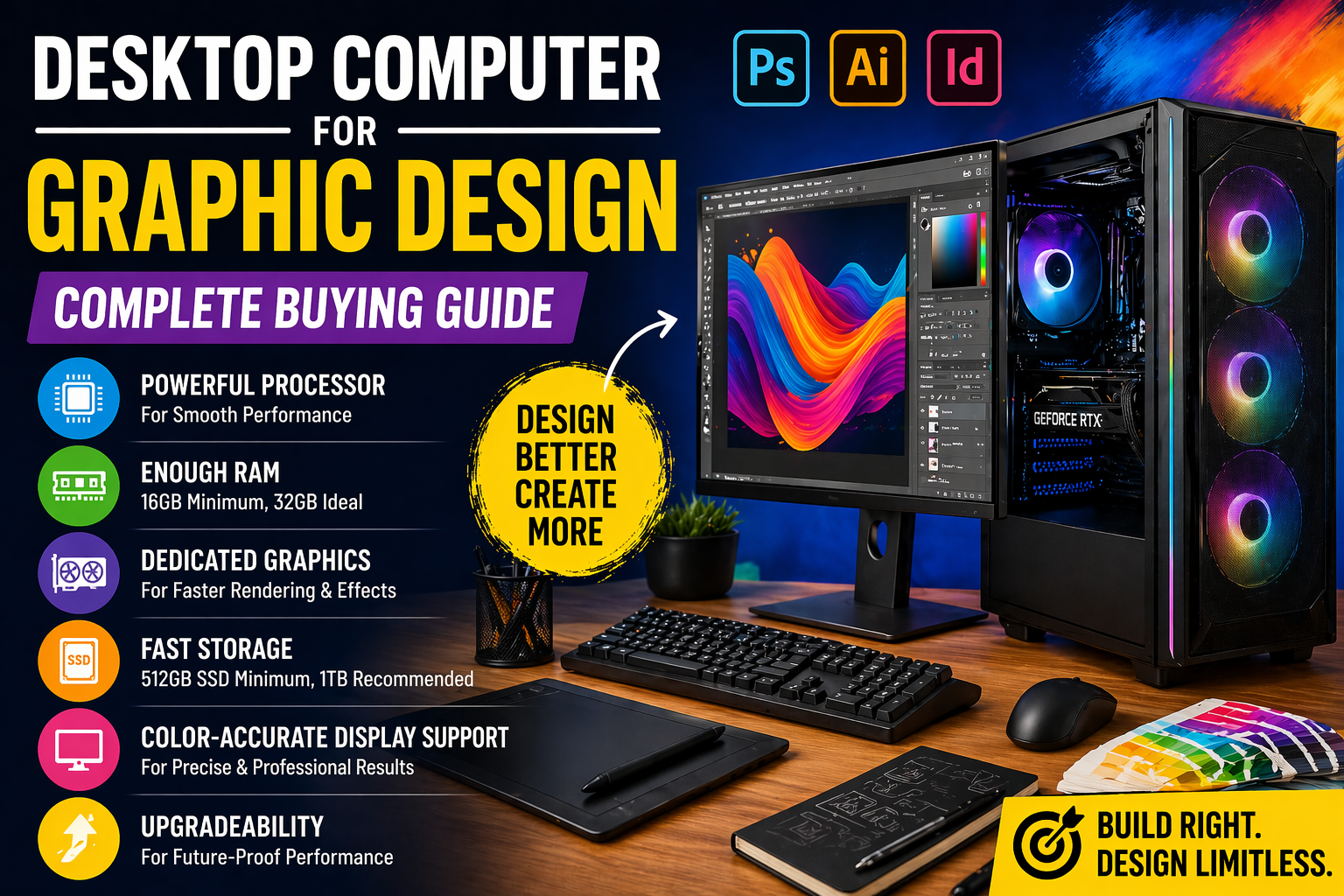
The best desktop computer for graphic design should focus on CPU power, dedicated graphics, sufficient RAM, SSD storage, display support, and upgradeability.
For most designers, a system with:
- 6–8 core processor
- 32GB RAM
- Dedicated GPU
- 1TB SSD
- Dual-monitor support
will handle professional design work smoothly for years.
Buy for performance, color accuracy, and future upgrades — not just appearances.