Best Desktop PC for Programming: What to Look for Before You Buy
Choosing the best desktop PC for programming isn’t about picking a popular brand — it’s about buying the right specifications for your coding needs. Whether you’re a student learning Python, a web developer running multiple browser tabs, or a software engineer working with Docker and virtual machines, the right desktop can improve productivity and reduce frustration.
1. Start with the Processor (CPU)
The processor is the heart of a programming PC. It handles code compilation, multitasking, virtual machines, and development tools.
For basic programming and web development, a 6-core processor is a strong starting point. For professional coding, 8 cores or more is ideal. Developers working with virtualization, Android emulators, or machine learning may benefit from even higher core counts. Many developer guides recommend at least modern mid-tier CPUs, while heavier workloads benefit from more cores. (reddit.com)
Buy for longevity: It’s often better to invest in a stronger processor now than upgrade later.
2. RAM Matters More Than Many Beginners Think
RAM affects how smoothly your desktop handles multiple applications at once.
Recommended memory:
- 16GB RAM – Good minimum for most programmers
- 32GB RAM – Ideal for professionals, Docker, and VMs
- 64GB+ – Useful for AI, data science, or enterprise workloads
If you frequently run an IDE, browser, database, and emulator together, extra RAM makes a huge difference. Developers often consider 32GB a practical sweet spot for heavier multitasking. (quanticdev.com)
3. Always Choose SSD Storage
Never buy a programming desktop with only a traditional hard drive.
A fast NVMe SSD improves:
- Boot speed
- App launch times
- Code compilation
- Database operations
- File searches
Look for:
- 512GB SSD minimum
- 1TB SSD for long-term flexibility
Storage fills faster than many students expect once you add IDEs, libraries, project files, and development tools. (Boot.dev Blog)
4. Do You Need a Dedicated Graphics Card?
For most programmers, no.
Web development, backend coding, Python, and software engineering generally run fine on integrated graphics.
You may need a dedicated GPU only if you do:
- Game development
- Machine learning
- 3D programming
- Video rendering
- CUDA-based computing
If coding is your focus, prioritize CPU and RAM before spending on graphics.
5. Upgradeability Is a Big Advantage
One reason many developers prefer desktops is upgrade freedom.
Before buying, check if the PC allows:
- RAM upgrades
- Additional SSD slots
- Better cooling upgrades
- CPU upgrades
- Multiple monitor support
A desktop you can improve over time often gives better value than one locked into its original specs.
6. Don’t Ignore Cooling
Programming can push a machine hard, especially during compiling or running virtual environments.
Good cooling means:
- Better sustained performance
- Less thermal throttling
- Longer component life
- Quieter operation
Look for desktops with solid airflow and quality cooling rather than flashy designs.
7. Multi-Monitor Support Boosts Productivity
Many programmers use two or even three monitors.
Benefits include:
- Code on one screen, documentation on another
- Easier debugging
- Better multitasking
- Faster workflow
Even a modest desktop should support at least dual monitors.
8. Budget Guide for Programming Desktops
Here’s a practical buying range:
- ₹45,000–₹60,000
Good for beginners, students, and web development. - ₹65,000–₹90,000
Excellent for most professional programmers. - ₹1,00,000+
For AI, game development, or heavy enterprise workloads.
Final Thoughts
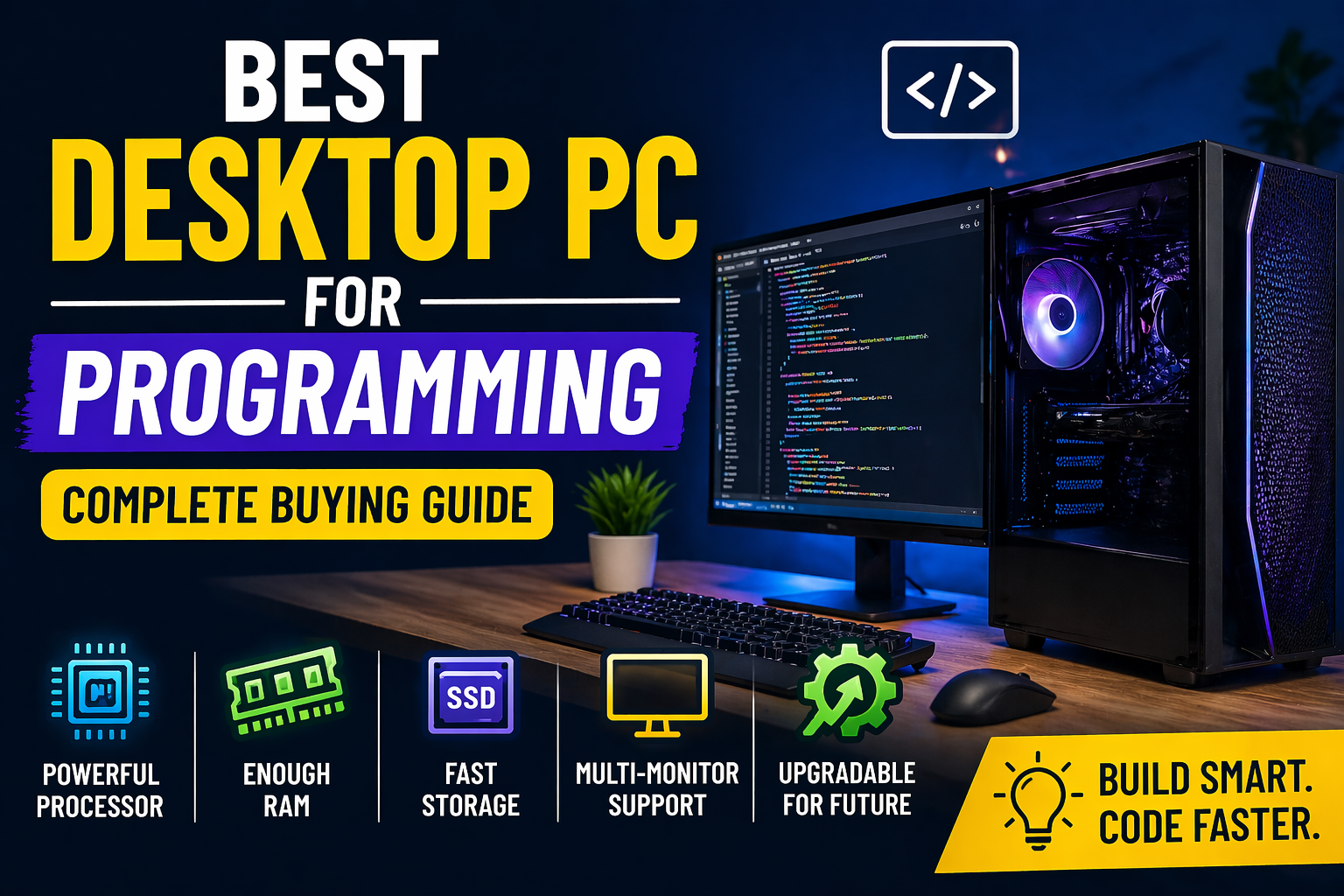
The best desktop PC for programming is one built around CPU power, RAM, SSD speed, upgradeability, and cooling — not brand names.
For most developers, a desktop with:
- 6–8 core processor
- 16GB–32GB RAM
- 512GB–1TB SSD
- Upgrade options
- Dual-monitor support
will provide an excellent coding experience for years.
Buy for your workload today, but leave room for where your programming journey may take you tomorrow.