Best Computer for Students: A Complete Guide to Smart Buying
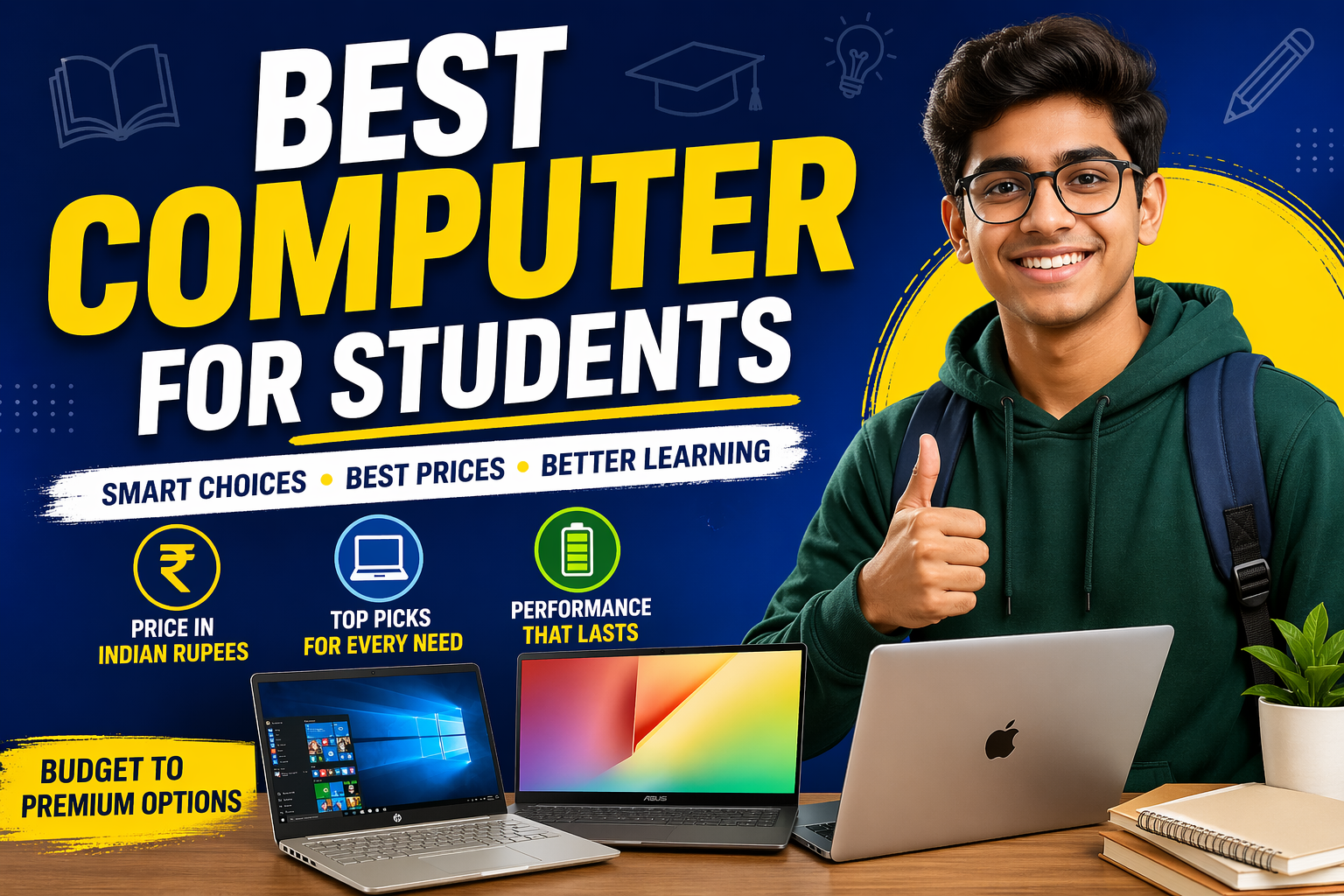
Choosing the best computer for a student means balancing performance, portability, battery life, and price. For Indian students, budget matters, so understanding price ranges in Indian Rupees (₹) helps make a smarter decision.
1. Consider Your Academic Needs
Before buying, think about what you need the computer for.
- Basic users (notes, assignments, online classes): A budget laptop or Chromebook is enough.
- College students (research, presentations, multitasking): A mid-range laptop works best.
- Creative students (design, editing, architecture): Choose a powerful laptop with better graphics.
- Engineering or coding students: More RAM and faster processors are important.
2. Key Features to Look For
A student computer should include:
Processor: Go for Intel Core i5, AMD Ryzen 5, or Apple M-series chips for smooth performance.
RAM: 8GB is the minimum, but 16GB is ideal for long-term use.
Storage: At least 256GB SSD for fast loading speeds.
Battery Life: Aim for 8–12 hours or more for all-day campus use.
Portability: A 13- or 14-inch laptop is easy to carry.
3. Best Types of Computers for Students
Chromebooks for Budget Buyers (₹20,000–₹35,000)
Chromebooks are affordable and ideal for students who mainly use Google Docs, browse the web, and attend online classes.
Best for:
- School students
- Light users
- Budget-conscious buyers
If your work is mostly online, a Chromebook can be a great value option. (Tom’s Guide)
Windows Laptops for Most Students (₹45,000–₹80,000)
Windows laptops offer the best balance of value and performance. Popular student models from HP, Dell, Lenovo, and Asus often fall in this range.
Examples:
- Entry-level student laptops: around ₹46,000–₹55,000 (Reliance Digital)
- Mid-range performance laptops: ₹60,000–₹80,000
- Premium ultrabooks: ₹90,000+ (some newer Asus Zenbook models start around ₹98,990) (The Times of India)
Best for:
- College students
- Business and STEM majors
- General all-round use
MacBooks for Premium Performance (₹67,000–₹1,20,000+)
MacBooks are excellent for students who want long battery life, durability, and premium performance.
Recent pricing in India shows:
- Entry-level student-friendly MacBook options from around ₹67,900 (91mobiles)
- MacBook Air models from ₹1,07,900 and above (91mobiles)
Best for:
- Creative majors
- Programming students
- Those wanting a laptop for 5+ years
4. Desktop or Laptop?
For most students, a laptop is the better choice because of portability. But desktops can offer more power for less money.
Choose a laptop if you:
- Attend classes on campus
- Study in libraries or cafes
- Need to carry your computer daily
Choose a desktop if you:
- Need stronger performance on a budget
- Work mostly from home
- Do heavy editing or gaming
5. How Much Should Students Spend?
Here’s a practical student budget guide in India:
- ₹20,000–₹35,000: Basic Chromebooks and entry-level laptops
- ₹45,000–₹65,000: Excellent mainstream student laptops
- ₹65,000–₹90,000: Premium Windows laptops or budget MacBooks
- ₹1,00,000+: High-end MacBooks and powerful ultrabooks
For most students, ₹50,000 to ₹70,000 is the sweet spot.
Final Thoughts
The best computer for students depends on your course, workload, and budget. If you want affordability, choose a Chromebook. For most students, a Windows laptop offers the best value. If budget allows, a MacBook provides premium performance and long-term reliability.
Focus on battery life, speed, portability, and future-proof specs, and you’ll invest in a computer that supports your education for years.